AI & AUTOMATION · 2026-06-16
MCP for Engineers: Connecting AI Agents to SolidWorks, ANSYS and Your CAD Stack
The Model Context Protocol (MCP) is doing for engineering software what USB did for hardware — giving AI agents a standard way to drive SolidWorks, ANSYS and Abaqus directly. Here's what MCP actually is, why it's the most important shift in CAD automation in years, and how I'm using it to turn natural-language intent into real geometry, simulations and drawings.
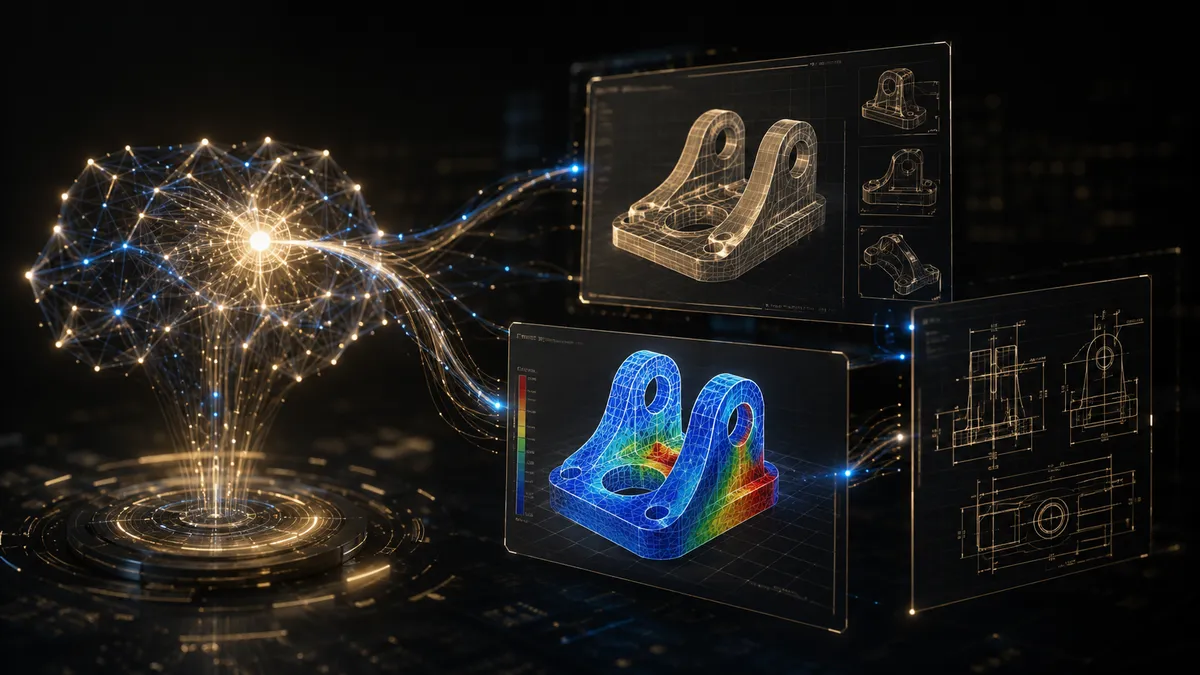
For years, automating CAD meant writing brittle macros: a VBA script for SolidWorks, a separate APDL routine for ANSYS, a Python wrapper for Abaqus — each one locked to a single tool, each one breaking the moment the workflow changed. The Model Context Protocol (MCP) rewrites that story. It gives AI agents a single, standard way to see and control engineering software, so the gap between 'describe what you want' and 'have a validated model' is collapsing fast.
What MCP Actually Is
MCP is an open standard that lets an AI model connect to external tools through a common interface. Think of it as a universal adapter: instead of every application inventing its own integration, each one exposes an MCP 'server' that advertises what it can do — create a sketch, run a study, export a drawing — and any MCP-aware AI client can call those capabilities. The protocol handles the conversation; the engineer handles the intent.
- The MCP server wraps a tool (SolidWorks, ANSYS, Abaqus, MATLAB) and exposes its actions as callable functions.
- The AI agent reads those capabilities and decides which to call, in what order, to satisfy a request.
- The engineer stays in the loop — reviewing, correcting, and approving the steps that matter.
Why This Matters More Than Another Macro Library
The breakthrough isn't that a computer can drive SolidWorks — scripts have done that for decades. It's that the agent can now reason across the whole toolchain. Ask it to 'model a bracket, check it under a 2 kN load, and produce a dimensioned drawing,' and a single agent can create the geometry in SolidWorks, hand it to a simulation server for FEA, read the stress results back, adjust a fillet if the safety factor is too low, and generate the drawing — without you switching applications or rewriting glue code between them.
Macros automate the steps you already know. MCP automates the decision about which steps to take.
What I'm Building With It
I've connected MCP servers to my own engineering stack — SolidWorks for parametric modelling and drawings, ANSYS and Abaqus for FEA, MATLAB for the maths in between. That lets me move from a client's plain-language requirement to a parametric part, a meshed stress study, and a manufacturing-ready drawing in a fraction of the usual time, with the engineering judgment kept exactly where it belongs: on me, not the model.
- Generative geometry — describe a part and its constraints, get a parametric SolidWorks model you can edit by dimension.
- Agent-driven FEA — the agent sets up boundary conditions, runs the study, and reports peak stress and safety factor in plain language.
- Closed-loop iteration — if the design fails a target, the agent proposes and re-runs a geometry change instead of waiting for the next manual cycle.
- Automated documentation — drawings, BOMs and reports generated from the same model, so the paperwork never lags the design.
Where Human Engineers Stay Essential
MCP makes the tools faster to drive — it does not make the engineering optional. An agent will happily run a simulation with the wrong boundary conditions and report a confident, wrong answer. The value of an experienced engineer goes up, not down: defining the right problem, sanity-checking results against first principles, and deciding which of the agent's proposals is actually manufacturable. The protocol removes the busywork so the judgment gets more time.
We're at the very start of agentic engineering, and the firms that learn to combine MCP-driven tooling with real engineering discipline will out-iterate everyone still writing one-off macros. If you want to see what natural-language-to-CAD looks like on a real project — from SolidWorks geometry to validated FEA — that's exactly the kind of work I'm taking on in 2026.