ENGINEERING · 2026-07-02
ANSYS vs Abaqus vs SolidWorks Simulation: Which FEA Software Should You Choose in 2026?
ANSYS, Abaqus and SolidWorks Simulation all solve the same finite element equations — but they are built for very different jobs. SolidWorks Simulation wins for fast design checks inside CAD, ANSYS for breadth and multiphysics, and Abaqus for hard nonlinear problems like contact, plasticity and impact. Here's an honest, engineer-to-engineer comparison of cost, learning curve, solver strengths and when each tool is the right call.
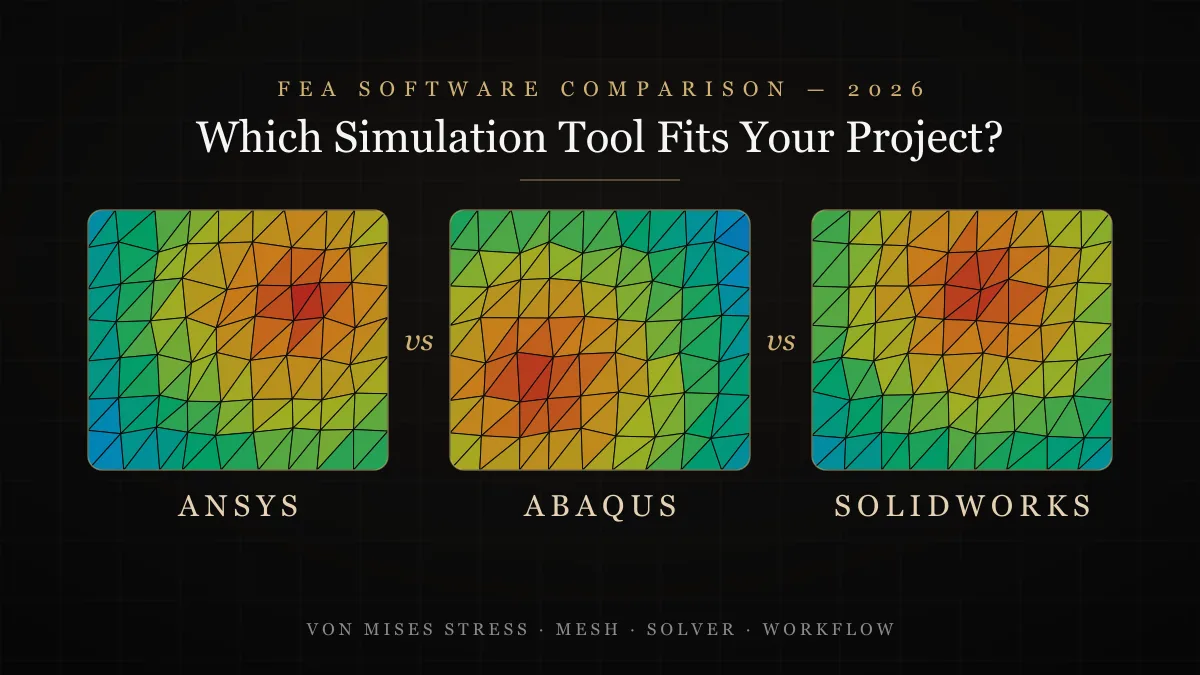
ANSYS, Abaqus and SolidWorks Simulation are the three FEA packages I get asked about most, and the honest answer is that none of them is 'the best' — they are optimized for different jobs. SolidWorks Simulation is the fastest way to validate a design without leaving your CAD environment. ANSYS is the broadest platform, covering structural, thermal, fluid and electromagnetic physics in one ecosystem. Abaqus is the specialist's tool for genuinely hard nonlinear problems — large deformation, complex contact, material plasticity and impact. Having delivered client projects in all three, here is the comparison I wish someone had given me before I chose where to invest my learning time.
The Short Answer: Match the Tool to the Problem
| Criterion | SolidWorks Simulation | ANSYS | Abaqus |
|---|---|---|---|
| Best at | Fast design checks inside CAD | Breadth: structural, thermal, CFD, multiphysics | Deep nonlinear: contact, plasticity, impact |
| Learning curve | Easiest — CAD users are productive in days | Moderate — Workbench flattens it considerably | Steepest — rewards FEA theory knowledge |
| Typical user | Design engineers iterating on parts | Simulation engineers & analysis teams | Researchers & nonlinear specialists |
| Nonlinear capability | Basic (limited contact & material models) | Strong | Industry benchmark |
| Scripting & automation | VBA / API | APDL, Python (PyMAPDL) | Python — the best scripting story in FEA |
| Relative cost | Included with CAD tiers / lowest | High, modular licensing | High, common in academia via licenses |
SolidWorks Simulation: Validation Where the Design Lives
SolidWorks Simulation's killer feature is that it runs inside the CAD model. There is no geometry translation, no broken associativity — you change a dimension and re-run the study in minutes. For linear static stress, frequency, basic thermal and fatigue checks on machine parts, that tight loop is worth more than raw solver power, because the biggest gains in design validation come from iterating early and often. Its limits show up when physics get hard: advanced contact, large strain, and exotic material models are where it runs out of road. My rule for SolidWorks work: if the part stays in the elastic range and the boundary conditions are honest, SolidWorks Simulation is usually all a design team needs.
ANSYS: The Broad Platform That Covers Almost Everything
ANSYS is the tool I reach for when a project crosses physics boundaries. Structural plus thermal plus fluid flow, coupled together, in one environment — that is the ANSYS value proposition, and nothing else in this list matches it. Workbench made the platform dramatically more approachable: geometry cleanup, meshing, solving and post-processing sit in one project schematic, and parameter studies are built in. The meshing tools are excellent, the material library is deep, and solver credibility with certification bodies is unquestioned. The trade-offs are cost — licensing is modular and adds up quickly — and the sheer size of the ecosystem, which can overwhelm newcomers deciding which module they actually need.
Abaqus: The Nonlinear Specialist
When engineers say a problem is 'too nonlinear', they usually mean it belongs in Abaqus. Rubber seals under 300% strain, bolted joints with frictional contact, metal forming, drop tests, crash events — Abaqus/Standard (implicit) and Abaqus/Explicit were built for exactly this, and its contact algorithms converge on problems that make other solvers give up. It is also the most scriptable tool here: the entire pre- and post-processor is driven by Python, which makes parametric studies and custom workflows genuinely pleasant to automate. The cost is a steeper learning curve — Abaqus rewards users who understand element formulations and solution controls, and punishes those who treat it as a black box.
The expensive mistake isn't choosing the 'wrong' FEA package — it's running a hard nonlinear problem in a linear tool and trusting the answer.
How to Choose: Five Questions to Ask Before You Commit
- Is the response linear? If stresses stay elastic and displacements are small, SolidWorks Simulation inside your CAD seat is the fastest, cheapest answer.
- Do you need more than one physics? Coupled structural-thermal-fluid problems point firmly at ANSYS.
- Is the problem dominated by contact, plasticity or impact? That is Abaqus territory — budget the learning curve accordingly.
- Who will run it? Design engineers iterate fastest in CAD-embedded tools; dedicated analysts get more from ANSYS or Abaqus.
- What does your industry expect? Aerospace and energy lean ANSYS; automotive crash and academia lean Abaqus; product design and machinery lean SolidWorks.
What This Looks Like on Real Projects
In my own FEA consulting work, the split is remarkably consistent: roughly two-thirds of client problems are linear static or modal checks that SolidWorks Simulation handles cleanly, a quarter need ANSYS for thermal-structural coupling or refined meshing control, and the remainder are genuinely nonlinear jobs — seals, press fits, post-buckling — where Abaqus earns its reputation. The skill that transfers across all three is not button-clicking; it is boundary conditions, mesh convergence and knowing which failure mode you are actually checking. Get those right and any of these solvers will give you a defensible answer; get them wrong and all three will give you a confident, colorful, wrong one.
If you have a design that needs validated stress, thermal or fatigue results — or you're unsure which level of analysis your problem actually requires — get in touch and I'll scope it honestly: sometimes the right answer is a two-day SolidWorks study, not a two-month Abaqus campaign.
Frequently Asked Questions
Which is better, ANSYS or Abaqus?
Neither is universally better. ANSYS offers the broadest platform — structural, thermal, CFD and electromagnetics in one ecosystem — and is easier to learn through Workbench. Abaqus is stronger for highly nonlinear problems such as advanced contact, large deformation, plasticity and impact, and has the best Python scripting support. Choose based on the physics your projects actually involve.
Is SolidWorks Simulation good enough for professional FEA?
Yes, for the right scope. Linear static stress, frequency, basic thermal and fatigue studies on machine parts are well within its capability, and running inside the CAD model makes design iteration extremely fast. It is not the right tool for advanced nonlinear contact, large-strain materials or coupled multiphysics problems.
Which FEA software should a mechanical engineer learn first in 2026?
Start with SolidWorks Simulation if you work in design — it teaches the FEA workflow with the lowest friction. Move to ANSYS for the broadest employability across industries, and add Abaqus if you target nonlinear specialties like automotive crash, seals and biomechanics, or a research career.
What is the main difference between Abaqus/Standard and Abaqus/Explicit?
Abaqus/Standard is an implicit solver suited to static and low-speed events where equilibrium is enforced at every increment. Abaqus/Explicit integrates the equations of motion directly and excels at short-duration, high-energy events such as drop tests, crashes and metal forming, where implicit solvers struggle to converge.
Is ANSYS worth the cost for a small engineering firm?
Only if your problems need it. Many small firms overbuy: if most studies are linear checks on parts and assemblies, a CAD-embedded tool covers them at a fraction of the cost. ANSYS becomes worth it when you regularly need coupled physics, advanced meshing control, or solver credibility for certification work — or you can outsource those few studies to a consultant instead of licensing the software year-round.
Do ANSYS, Abaqus and SolidWorks Simulation give the same results?
For a well-posed linear problem with a converged mesh, all three produce results within a few percent of each other — the finite element method is the same underneath. Differences appear in hard nonlinear problems, where contact algorithms, element technology and solution controls differ significantly, and in how easy each tool makes it to set the problem up correctly in the first place.